How to Build a Professional Notion Trading Journal for Performance Tracking
Stop using basic spreadsheets. Build a dynamic Notion trading journal to track metrics, analyze psychology, and scale your trading performance.

Building a professional trading journal in Notion requires a relational structure where a primary Trade Log is linked to separate databases for strategies and psychology. By configuring specific properties and custom views, you transform a static list into a dynamic auditing tool. Notion is highly suitable for traders seeking a centralized hub for both quantitative data and qualitative reflection.
No time to read?
- Relational databases allow linking trades to specific strategies and emotional states.
- Key metrics must include both quantitative data (R:R, PnL) and qualitative observations.
- Database templates simplify entry and ensure consistency in post-trade analysis.
- Visual views (Calendar, Gallery) help identify trading clusters and setup patterns.
Why Notion is a Superior Choice for Your Trading Journal
Most traders start with static spreadsheets, which are efficient for calculating a Win Rate but fail to capture the “why” behind a trade. A notion trading journal differs because it utilizes relational databases. Instead of entering the same strategy name repeatedly in a cell, you link your trade to a dedicated Strategy Library. This allows you to analyze the performance of a specific setup across hundreds of trades without manual filtering.
The real power lies in the ability to connect your Trade Log to a Psychology Journal. By linking a losing trade to a specific emotional state (such as “revenge trading” or “FOMO”), you can identify recurring behavioral patterns that a spreadsheet would hide. This architectural approach is essential for anyone developing a repeatable trading framework to pass prop firm challenges. If you prefer a pre-built structure, using a trading log template can accelerate the setup, but building it from scratch ensures the system matches your specific risk parameters.
Essential Metrics Your Notion Log Must Track
A professional journal must balance hard numbers with subjective observations. Quantitative data tells you if you are making money, while qualitative data tells you if you are trading correctly.
The following table defines the non-negotiable properties for your database:
| Property Name | Type | Purpose | Example |
|---|---|---|---|
| Asset | Select | Identify the instrument | EURUSD, Gold, Nasdaq |
| Entry/Exit Price | Number | Calculate exact PnL | 1.0850 / 1.0910 |
| Risk-Reward Ratio | Number | Measure efficiency | 1:3 |
| Stop Loss / Take Profit | Number | Verify trade boundaries | 20 pips / 60 pips |
| PnL (R-multiple) | Number | Track growth in terms of risk | +3R, -1R |
| Setup Quality | Select | Grade the trade entry | A+ Setup, B Setup |
| Emotional State | Select | Track mental condition | Calm, Anxious, Impatient |
Tracking your emotional state is as critical as the profit figure. A trader might have a high Win Rate but be operating in a state of extreme anxiety, which is unsustainable for long-term funded account management. Integrating a trading psychology tracker directly into the trade entry allows you to filter your results by mood, revealing if “Anxiety” correlates with a higher frequency of early exits or moved Stop Loss orders.
To ensure a complete audit, you should also track:
* Time of day (Session: London, New York, Asia).
* Confluence count (How many criteria from your checklist were met).
* Slippage or commission costs.
* Screenshots of the chart at entry and exit.
Step-by-Step: Building Your Notion Trading Journal
To build this system, you must move beyond a single table and create an interconnected ecosystem. This is where Notion for traders becomes a productivity engine rather than just a notebook.
1. Creating the Primary Databases
Start by creating three separate databases:
* Trade Log: The main ledger for every execution.
* Strategy Library: A list of your setups (e.g., “Order Block Rejection”, “Trendline Break”).
* Psychology Log: A list of emotional triggers and mental states.
2. Configuring Property Types
In your Trade Log, use the following Notion property types to ensure data integrity:
* Select: For Asset, Session, and Setup Quality.
* Number: For R:R, PnL, and price levels.
* Date: For the execution timestamp.
* Relation: This is the most important step. Create a Relation property linking the Trade Log to the Strategy Library and the Psychology Log.
3. Setting Up Custom Views
One database can be viewed in multiple ways to serve different analytical purposes:
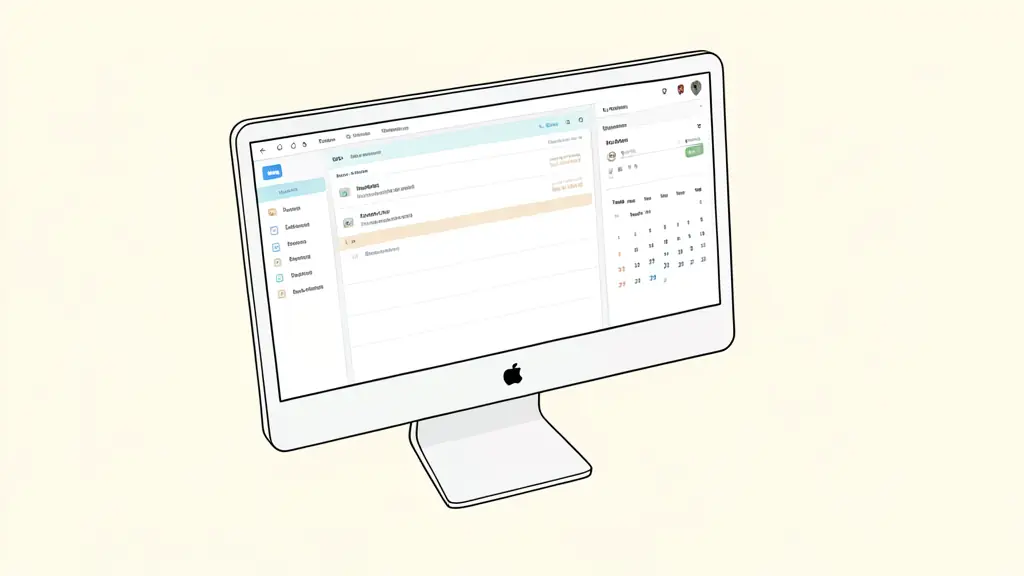
* Calendar View: Use this to monitor trade frequency and identify days where you are over-trading.
* Gallery View: Create a view that displays chart screenshots. This is vital for visual Backtesting and recognizing patterns.
* Table View: The primary view for data auditing and calculating the overall Equity Curve.
How to Use Notion for Psychological and Performance Audits
Data entry is only half the battle. The value of a journal is realized during the review process. To avoid staring at a wall of numbers, use Notion templates to standardize your post-trade analysis.
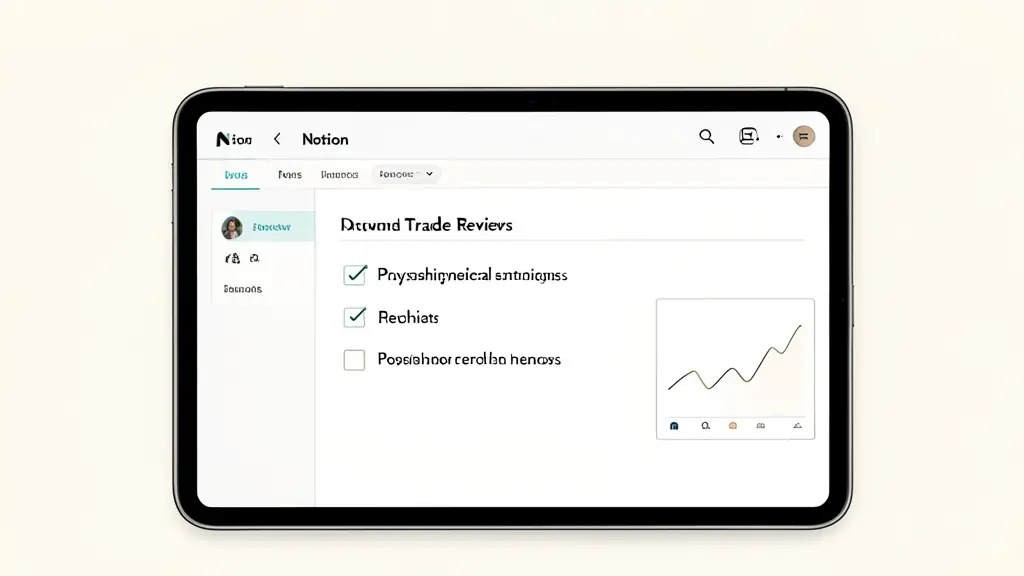
Create a “Trade Review Template” within your database. Every time you open a new trade entry, this template should generate a set of fixed questions:
1. Did I follow my entry rules?
2. Did I move my Stop Loss out of fear?
3. Was the exit based on a signal or an emotion?
4. What would I do differently if this trade happened again?
By using these templates, you turn performance auditing into a repeatable process. You can then use Notion’s filter function to find “leaks” in your strategy. For example, filter your Trade Log to show only “Losses” linked to the “Impatient” emotional state. If 70% of your losses are tied to impatience, the problem is not your strategy or your Risk-Reward Ratio, but your discipline. This allows you to stop searching for a “better indicator” and start fixing the actual cause of the drawdown.
Simplifying and Automating Trade Entries
The primary risk of a complex journal is “logging fatigue,” where the effort to record a trade becomes a burden. To mitigate this, utilize Database Templates. You can create a “Long Setup” template and a “Short Setup” template that pre-fill common trade tracking metrics, reducing the manual entry time to a few seconds.
For those who handle a high volume of trades, external integration tools like Zapier or Make can sync data from certain brokers or MetaTrader journals directly into Notion. While this automation is tempting, it comes with a significant risk: the loss of manual reflection. When a trade is automatically logged, the trader often skips the qualitative analysis of their mental state.
Automation should be used for quantitative data (prices, dates, PnL), but the qualitative sections (emotions, lessons learned) must remain manual. The act of typing your mistake is what creates the cognitive link necessary to avoid repeating it.
Workflow Integration: Making the Journal a Habit
A journal is only useful if it is consistent. To avoid burnout, integrate the journal into your daily trading routine rather than treating it as a weekend chore.
Implement a three-step daily workflow:
* Pre-trade Checklist: A quick Notion page to confirm you are in the right headspace and the market conditions align with your rules.
* Immediate Execution Log: Record the entry price, Stop Loss, and initial emotional state the moment the trade is live.
* Weekly Review Session: Every Friday or Sunday, filter your trades by “Losses” and “B-grade setups” to identify patterns.
Integrating these steps into a trading SOP for discipline ensures that the journal becomes a tool for growth rather than a source of stress.
For the first 30 days, prioritize a simple manual log over complex automation. Forcing yourself to manually enter every detail ensures a high level of cognitive awareness regarding your mistakes. Once the habit is ingrained and your errors are identified, you can then optimize the system with automation.
This article does not replace advice from a qualified professional: consult a specialist about your own situation.
FAQ
Is Notion better than Excel for trading journals?
Notion is superior for qualitative analysis, visual organization (screenshots), and linking related data. Excel remains better for complex mathematical calculations and large-scale data processing.
Can I automate my trade imports into Notion?
Yes, via third-party tools like Zapier or Make, but manual entry is often recommended for beginners to reinforce the psychological connection to each trade.
Want to go further?
Leave your email and we'll let you know when a new article is out.