Brokers That Offer Free Demo Accounts on TradingView for Futures: Expert Comparison
Want to trade futures on TradingView without risking capital? Compare the best brokers offering free demo accounts and master Paper Trading.
You can trade futures on TradingView for free, but the experience differs drastically depending on whether you use a built-in simulation or a broker-integrated demo. While one offers a quick sandbox environment, the other provides a bridge to actual market execution.
No time to read?
- TradingView Paper Trading is an instant, built-in simulator requiring no broker.
- Broker Demos (e.g., AMP) provide a more realistic mirror of actual account conditions.
- Free demos often use delayed data unless a specific data feed is purchased.
- Prop firm trials differ from broker demos by imposing strict drawdown and time rules.
Which Futures Brokers Offer Free TradingView Demo Accounts?
Finding brokers that offer free demo accounts on tradingview for futures requires distinguishing between platform-level simulation and actual broker integration. Many traders start with TradingView Paper Trading, which is a proprietary simulation tool that requires no external account and allows you to trade virtual funds instantly. However, if you want to test the specific infrastructure of a Futures Commission Merchant (FCM), you need a broker that supports direct integration.
AMP Futures is a primary example of a broker that integrates with TradingView, allowing users to bridge their accounts for simulation. Unlike a simple paper account, a broker-integrated demo mirrors the actual account structure you would encounter in a live environment, including specific margin requirements and contract availability. For those looking for a more structured path toward professional capital, exploring a Tradovate prop firm integration can provide a clearer picture of how institutional-grade execution works.
Depending on the broker, the setup may vary. Some allow you to open a demo account directly through the TradingView “Trading Panel,” while others require you to create an account on the broker’s own portal first before authorizing the connection.
TradingView Paper Trading vs. Broker Demo Accounts
The technical gap between a paper account and a broker demo is where most beginners stumble. TradingView Paper Trading is a closed-loop system. It is an excellent tool for testing a technical indicator or a Pine Script strategy, but it does not account for the operational realities of a futures market, such as specific broker slippage or exchange-specific tick values.
A Broker Demo, conversely, is an external account hosted by an FCM (like AMP or NinjaTrader) and mirrored on the TradingView chart. This provides a more authentic futures trading simulation because the order execution is processed through the broker’s server, giving you a realistic sense of how a market order or limit order behaves under actual market conditions.
| Feature | TradingView Paper Trading | Broker Demo Account |
|---|---|---|
| Account Setup | Instant (Built-in) | Requires Broker Registration |
| Execution Engine | TradingView Internal | Broker’s Server (e.g., CQG, Rithmic) |
| Realism | Low (Sandbox) | High (Mirrors Live Environment) |
| Contract Specifics | Generic Simulation | Exact Futures Contracts (CME, etc.) |
| Margin Rules | Simplified | Actual Initial & Maintenance Margin |
| Data Feed | TradingView Standard | Broker-provided (Real-time or Delayed) |
The ‘Free’ Catch: Market Data and Contract Limitations
The term “free” is often a marketing simplification. While the account registration and the software interface might not cost you anything, the data that fuels the charts is a different story. In a standard AMP Futures TradingView demo, you will find that the account is free, but real-time futures data from exchanges like the CME is rarely free.
Most free demo accounts provide delayed data (typically by 10 to 15 minutes). To get real-time tick-by-tick movements, you generally have to pay a monthly data fee. Without this, your simulated entries and exits are based on old prices, which can lead to a false sense of profitability.
Key limitations to watch for include:
* Data Latency: Delayed feeds can hide slippage and make scalping strategies appear more successful than they would be in live trading.
* Contract Availability: Most demos offer full access to Micro futures (smaller contract sizes), but some may restrict certain high-leverage products.
* Virtual Balance: While many retail demos offer a $50,000 or more virtual balance, this is purely cosmetic and does not reflect your actual buying power or margin capacity.
* Reset Policies: Some broker demos expire after a set period or allow resets only after the balance hits a certain drawdown threshold.
Step-by-Step: Connecting Your Futures Broker to TradingView
Moving from a simple simulation to a broker-integrated environment requires a specific authorization workflow. To ensure you are seeing real-time futures data TradingView users rely on, follow these steps:
- Create Your Broker Account: Visit the website of your chosen futures broker (e.g., AMP Futures) and sign up for a demo account. Complete the registration and verify your email.
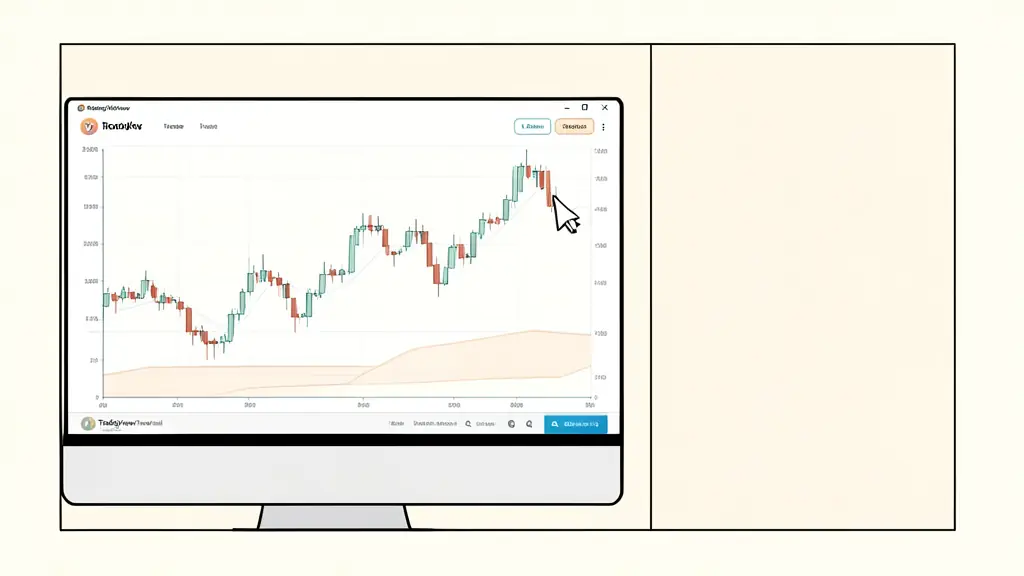
- Access the Trading Panel: Open TradingView Supercharts and look at the bottom of the screen. Click on the “Trading Panel” tab.
- Select Your Broker: From the list of integrated brokers, select your chosen provider.
- Authorization: A pop-up window will appear asking you to log in to your broker account. Enter your credentials and grant TradingView permission to access your account.
- Verify Connection: Once connected, your virtual balance will appear in the Trading Panel. You can now place market orders, limit orders, and stop orders directly from the chart.
When placing orders, remember to check your tick size and tick value for the specific contract you are trading to avoid over-leveraging your virtual account.
Leveraging TradingView Tools for Strategy Validation
A demo account is only as useful as the data you extract from it. Instead of just placing random trades, use TradingView’s analytical suite to stress-test your edge.
The Bar Replay tool is essential for futures traders. It allows you to remove the right side of the chart and play the price action forward bar by bar. This eliminates hindsight bias and forces you to make decisions based on the technical indicators and price action available at that exact moment.
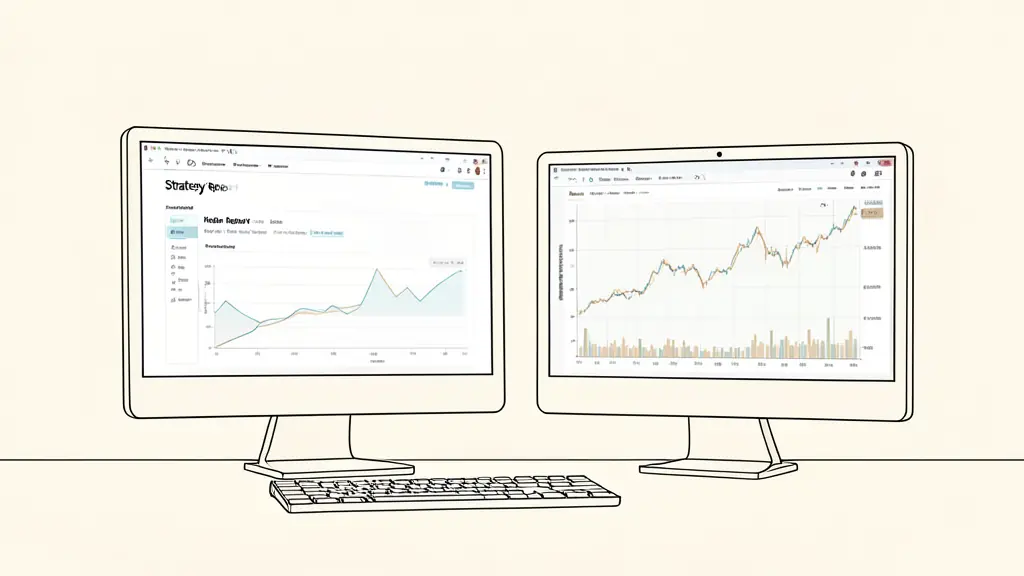
For a more quantitative approach, utilize the Strategy Report. By coding your rules into Pine Script or using built-in strategies, you can generate a report that exposes critical metrics:
* Profit Factor: The ratio of gross profit to gross loss.
* Maximum Drawdown: The largest peak-to-trough decline in your equity curve.
* Sharpe and Sortino Ratios: Risk-adjusted performance metrics that tell you if your returns are worth the volatility.
Combine these with price alerts to monitor key levels without staring at the screen for hours, ensuring your strategy is based on objective triggers rather than emotional impulses.
Retail Demos vs. Prop Firm Trials
There is a fundamental difference between a retail broker demo and a prop firm trial. A retail demo is a “sandbox” where the only goal is to learn the software. You typically have an unlimited virtual balance and no rules regarding how much you can lose in a day.
Prop firm trials, however, are evaluations. They are designed to test your discipline and risk management. In a prop firm environment, you are not just trading against the market, but against a strict set of rules. If you want to understand how prop futures funding and rules work, you must look beyond the balance and focus on the constraints.
Prop firm demos typically include:
* Daily Loss Limits: A hard cap (often 4%–5%) on how much you can lose in a single trading day.
* Drawdown Structures: Either a static drawdown or a trailing drawdown (often 8%–10%) that follows your account’s peak equity.
* Profit Targets: A specific goal you must hit to pass the challenge and move toward a funded account.
* Minimum Trading Days: A requirement to trade for a certain number of days to prove consistency.
While a retail demo teaches you how to trade, a prop firm trial teaches you how to survive as a professional trader.
Risk-Readiness Checklist: Are you ready for a funded account?
* [ ] Have you traded a broker demo for 2 to 6 weeks with consistent results?
* [ ] Can you define your maximum daily loss in dollars and ticks?
* [ ] Do you have a written plan for handling a trailing drawdown?
* [ ] Is your strategy profitable on a risk-adjusted basis (verified via Strategy Report)?
* [ ] Can you execute orders accurately under high-volatility events (e.g., NFP or FOMC)?
Disclaimer: This content is for informational purposes only and does not constitute financial, legal, or professional advice. It is not a substitute for a professional consultation.
This article does not replace advice from a qualified professional: consult a specialist about your own situation.
FAQ
Can I trade futures on TradingView without depositing real money?
Yes, you can use the built-in ‘Paper Trading’ feature for a general simulation or open a free demo account with a compatible futures broker to test their specific execution.
How long do futures broker demo accounts last?
Duration varies by broker; some offer indefinite access, while others expire after 30 to 90 days of inactivity. Always check the broker’s specific Terms of Service.
Do free demos include real-time futures market data?
Rarely. Most free demo accounts provide delayed data. Real-time data typically requires a paid subscription or a minimum funded account balance.
Want to go further?
Leave your email and we'll let you know when a new article is out.